From EHR data to a
structured ward-round note
ClinLog ICU pulls patient data directly from the electronic health record via a custom text macro, parses it automatically into the relevant organ systems, and combines it with your dictation into a complete, structured note ready to copy.
Log in to the app →EHR data into ClinLog via a text macro
A custom text macro copies all relevant current data (with no patient-identifying details) into ClinLog. It takes 5 seconds.
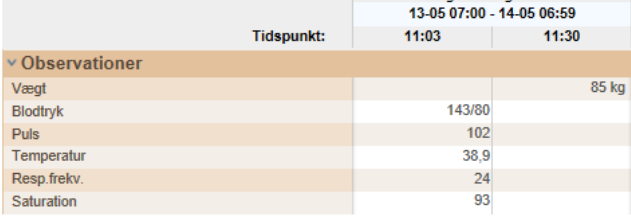
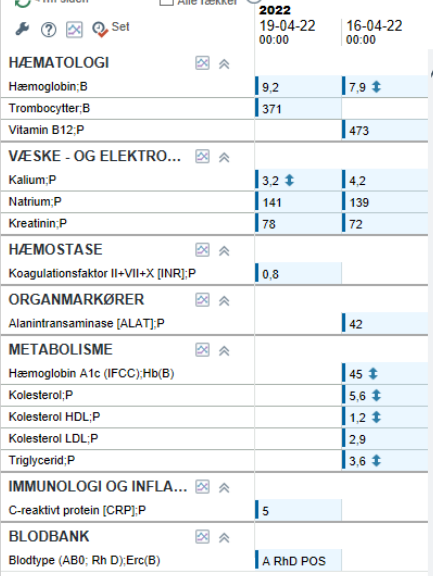
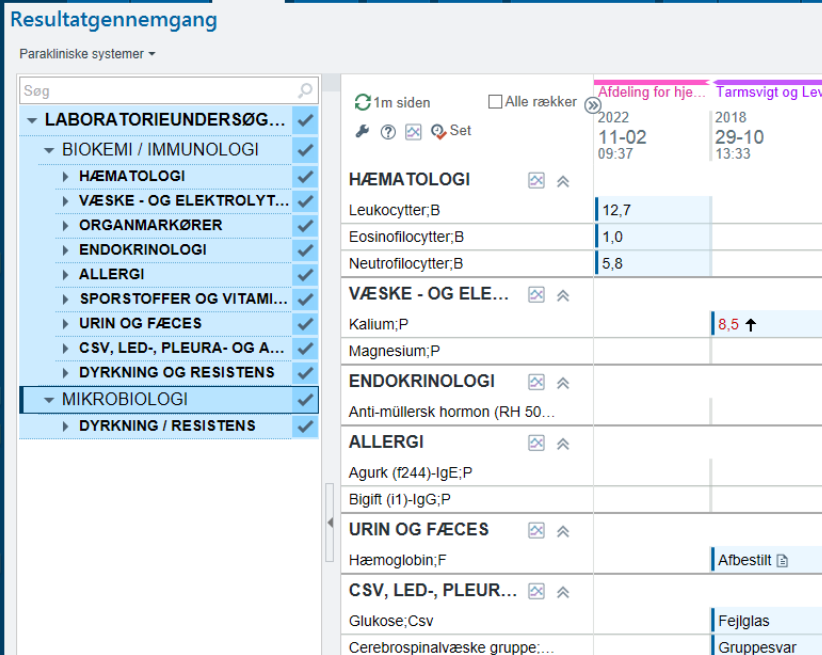
Structured data and dictation in the app
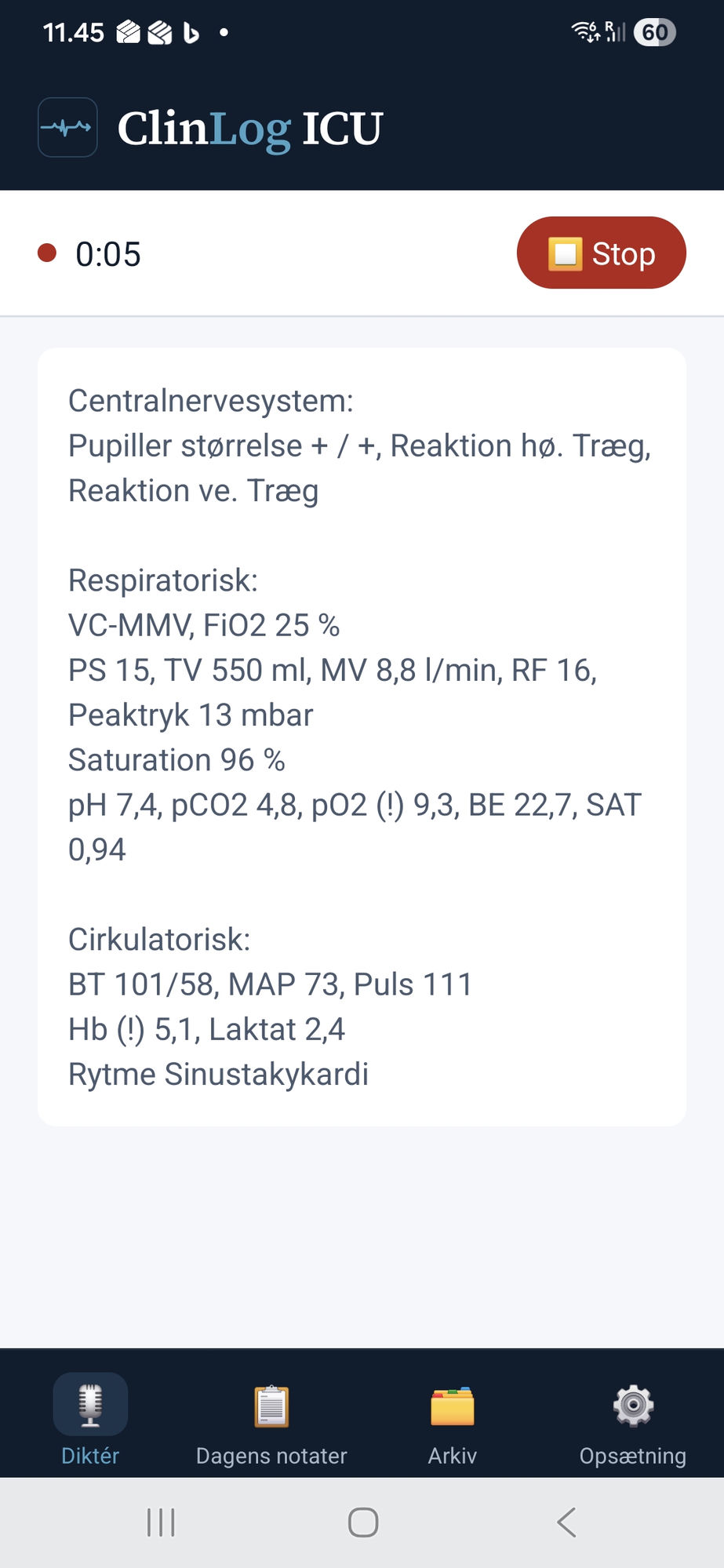
ClinLog parses the data automatically and categorises it into the clinically relevant organ systems, CNS, respiratory, circulatory, gastrointestinal and the rest. The structured data is shown in the app as the data foundation, ready as a reference before and during dictation. The clinician dictates the ward-round note directly. ClinLog transcribes, anonymises and combines the dictation with the data.
Structured note ready to copy
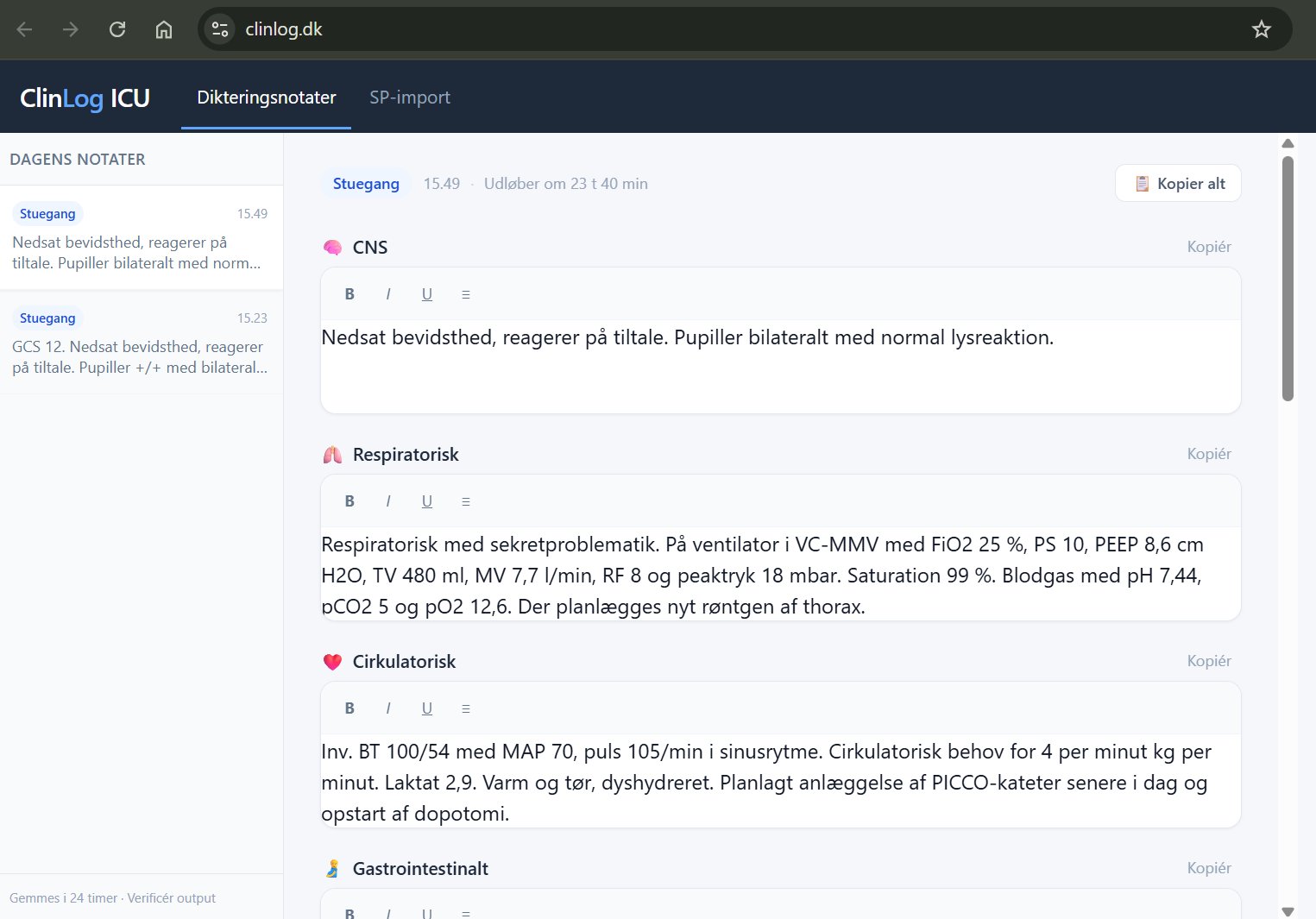
The finished note, EHR data and dictation combined in your department's format, copies straight into the patient record. 2 keystrokes. Done.
All processing runs on EU infrastructure under data processing agreements built for healthcare.
Patient-identifying details are removed as the first step, always, automatically, before anything else.
Every note is reviewed and approved by you before it is copied to the record. ClinLog assists. The clinical judgement is yours.
Ready to try it?
Log in and dictate your next ward-round note with ClinLog ICU.